
See every part of a course.
Choose Sabancı and your term, then search by code, title or instructor. Look at the lecture and any required lab or recitation sections separately, so you can compare the actual meetings you plan to attend.
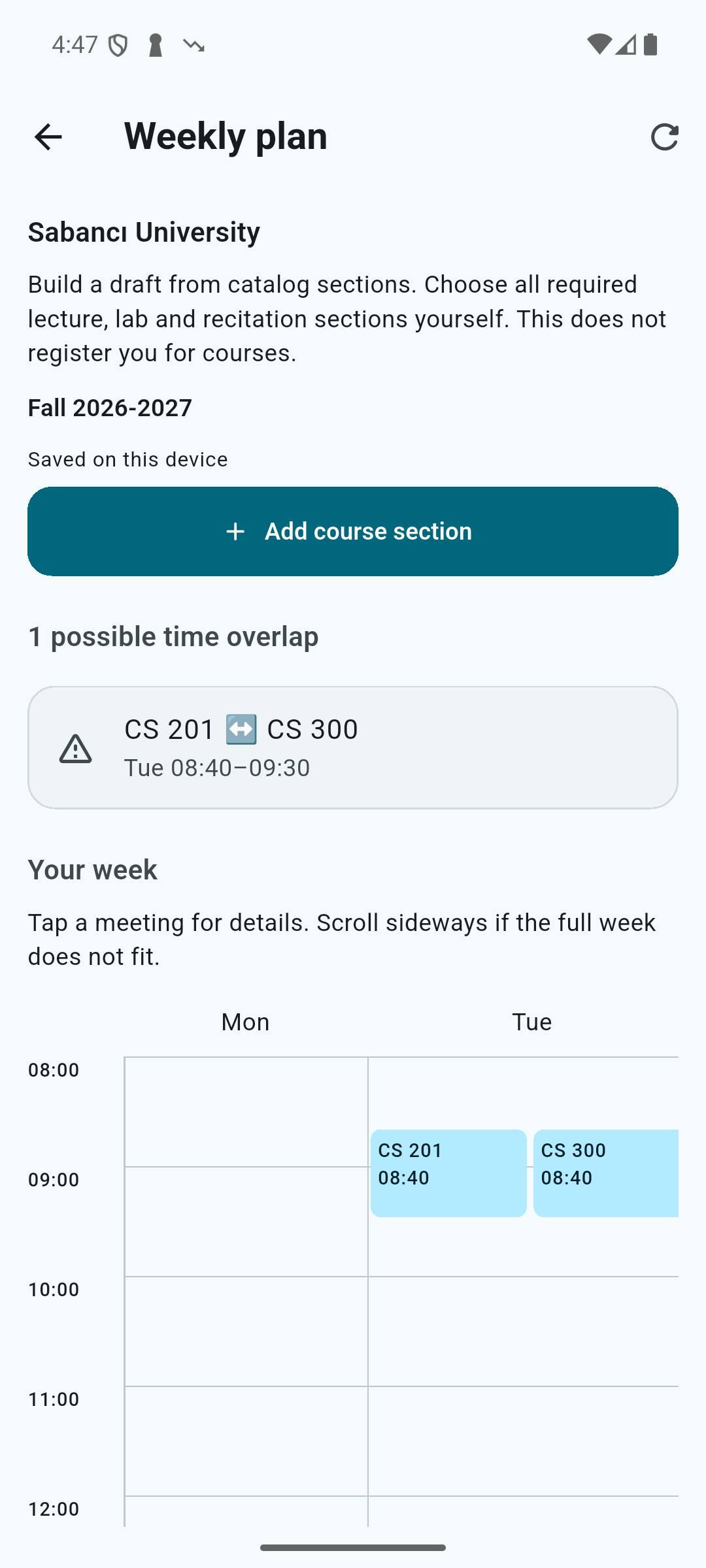
Choose sections and build your week.
Add the sections you choose to your weekly plan. Seeing meetings on the same day and time makes it easier to consider a different section. Your draft stays on your device and can be checked against the latest catalog meeting times.
Read seats in context.
A Sabancı course may be listed under more than one code. Consider registration restrictions alongside the displayed seat information. Manage the course’s alert watch in the app, then check current availability and register in SUIS.